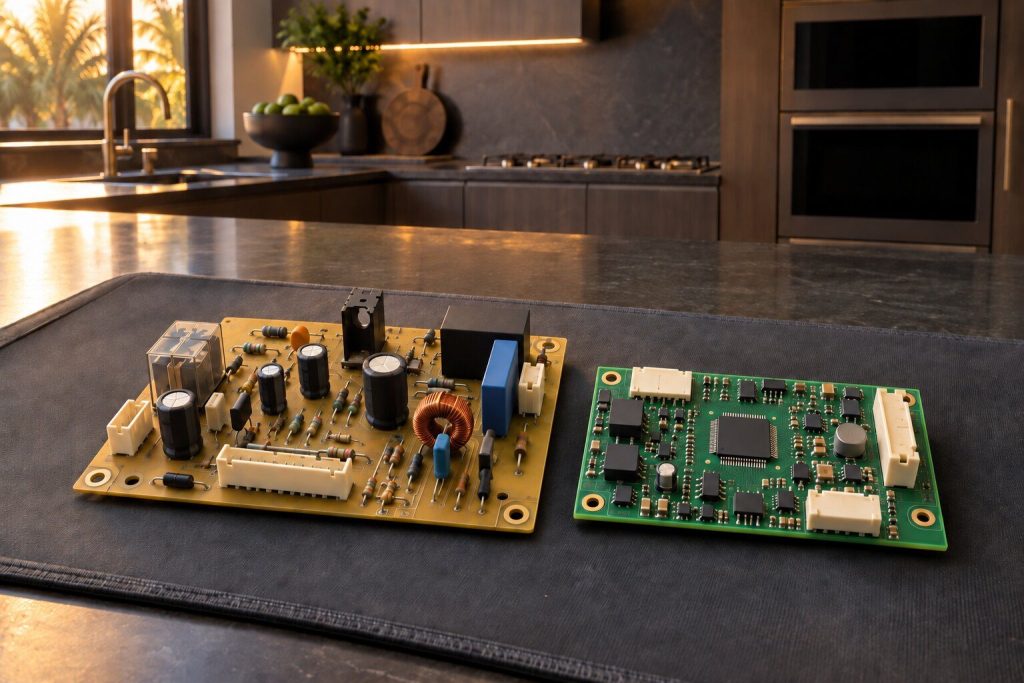
Before September 2016, Dacor built its own control boards and its own problem tables: F0 to F8 on the Classic ERC ovens and ranges, F1 to F95 on the ER-series ranges, F-1 to F-9 on the EDW and IDW dishwashers. After it, the machines run the Samsung platform and report C-## on ovens and ranges and #C strings on dishwashers. Which era an appliance is from decides the code table, the control board and the part number.
68 codes · 2 eras · 0 invented
Dacor error codes, and which era yours belongs to.
The same characters mean different things on different Dacor appliances. F2 is a runaway heat condition on a Classic ERC oven, a communication problem on an ER-series range, and a touch-controller failure on a Modernist induction cooktop. Every page here names the appliance and the era before it gives a meaning.
- 68 documented codes
- 41 from before 2016
- 27 from the current platform
- 23 circulating codes refused
Jump to a table
By appliance and era
Type what the panel shows and the index will find it. If nothing matches, check the model first — the same string belongs to more than one table on this make.
- F0 Shorted or jammed input device — a shorted wire or a failed membrane switch.
- F1 System watchdog circuit — the ERC's own self-diagnostic found a bake or broil system failure.
- F2 Heating mode high temperature — the control detected a runaway heat condition.
- F3 Shorted oven temperature sensor.
- F4 Open oven temperature sensor circuit.
- F5 ERC self-diagnostic failure — the control has failed its own test.
- F6 EEPROM checksum error — the control's stored settings no longer verify.
- F7 Door lock enabled above temperature — the clean-lock or phase circuit is faulty.
- F8 Door locking switch — the motor ran for two minutes without the phase switch changing state.
- F1 General internal problem reported by the range control.
- F2 Communication problem between the control panel and the relay board.
- F3 General external problem — the control has detected a problem outside itself.
- F9 Door lock problem.
- F10 Shorted element relay, or intermittent and loose temperature-sensor wiring.
- F11 Shorted key on the keypad membrane.
- F13 Control panel failure.
- F14 Defective power board.
- F15 Defective power board.
- F20 The data cable between the relay board and the control panel is loose or defective.
- F30/F31 Shorted or open temperature sensor, or its wiring.
- F32 Data cable loose or defective, or a defective membrane.
- F90 Cables to the door latch are loose or defective, or the latch assembly itself has failed.
- F95 Defective power board.
- C-d0 A control key has been stuck or shorted for a minute.
- C-d1 The door lock is mispositioned.
- C-F0 Communication interrupted between the main board and the sub board.
- C-F2 Communication interrupted between the main board and the touch panel.
- C-20 The oven sensor is open or shorted while the appliance is running.
- C-21 Abnormally high internal temperature.
- C-23 The temperature probe sensor is shorted while the appliance is running.
- C-30 The board's own sensor is open or shorted while running.
- C-31 Abnormally high board temperature.
- C-70/C-72 Steam sensor open or shorted while running, or a problem in the drain system — steam models only.
- C-A2 Abnormal cooling-fan motor function.
- C0 Top sensor open.
- C1 Top sensor short.
- C2 IGBT sensor open.
- F0 Communication failure between the main and sub PCB.
- F1 Communication failure with the EEPROM.
- F2 Communication failure with the touch-enabled IC.
- A2 Fan motor malfunction — a blocked DC motor, or a problem in the board or wiring.
- UP Input voltage too high or too low — outside the 208 to 240 volt range.
- d0 A key was pressed or held for more than eight seconds — a wet or stuck keypad.
- F-1 Inlet valve — after filling, the controller found no water where it expected some.
- F-2 Circulation pump — the power board saw no relay closure.
- F-3 Electrical or heater — no temperature rise within the expected time during wash or rinse.
- F-4 Drain pump — water was still present in the sump after the drain cycle.
- F-5 Air flow fan.
- F-6 Controller or floor guard — the leak-detection system has tripped.
- F-7 EEPROM failure.
- F-8 Communication failure — data transfer between the control board and the power board.
- F-9 Water presence sensor — the WPS that reads water, turbidity and temperature.
- LC Leakage check — a leak has been detected. Shut off the water supply and the breaker.
- 4C Water supply check — the valve is closed, the supply is suspended, or the inlet line is blocked.
- 5C Drain check — the machine could not empty properly.
- HC High-temperature heating check.
- 3C Pump operation check.
- PC Zone-wash function check.
- AP Smartphone pairing prompt — this is not a problem.
- Machine Ready - Drawer Out The used-grounds drawer is not seated properly, and the buttons are disabled until it is.
- System Off - Front Panel Open The front panel is not closed, and the machine has disabled its buttons.
- Please Milk Clean Routine milk cleaning is due — it appears two hours after the milk system was last used.
- Clean Group Routine brew-group cleaning is due — every fifty cycles.
- Group Error The machine has detected an operation problem in the named subsystem and disabled its buttons.
- Timeout Filling Up Boiler The machine could not fill its boiler in the expected time, and the buttons are disabled.
- Flow Meter Error No water in the tank on a tank-fed machine, or the supply is not connected or turned on if plumbed.
- Error - Coffee Temperature / Steam Temperature A problem in temperature control on the coffee or the steam side. The buttons are disabled and the machine asks for service.
- Too Much Coffee Too much ground coffee in the chute, or the grind time is set too long.
No code here matches that. Codes differ between series, and some are only shown on the service display — call (305) 363-6067 with the model number and what the display is doing.
Five of this make's ten appliances publish no codes at all. If yours is one of them, the symptom pages are the honest place to start.
The thing that makes this make different
Two eras, and not one code string in common
No code showing? Start here
Why that matters more than it sounds
The same string, three different meanings
F1 is a bake-and-broil watchdog failure on a Classic ERC oven, a general internal problem on an ER-series range, and an EEPROM communication failure on a Modernist induction cooktop. A table that gives one meaning without naming the appliance and the era is guessing, and a search that returns three contradictory answers is the reason people give up and call somebody who also guesses.
Before you look anything up
Establish the era first
How to tell
- The model and serial on the rating plate settle it outright.
- Roughly when the kitchen was fitted, if the plate is unreachable.
- An F-number with a dash — F-4 — is the legacy dishwasher platform.
Then read the display exactly
- Including the dash, the letter case and any leading C.
- A code that appears and clears is as useful as one that stays.
- Photograph it rather than remembering it — a second press can clear it.
No code showing?
Start from the problem instead
5 of this make's ten appliances publish no codes at all, and those problems are written out in words.
-
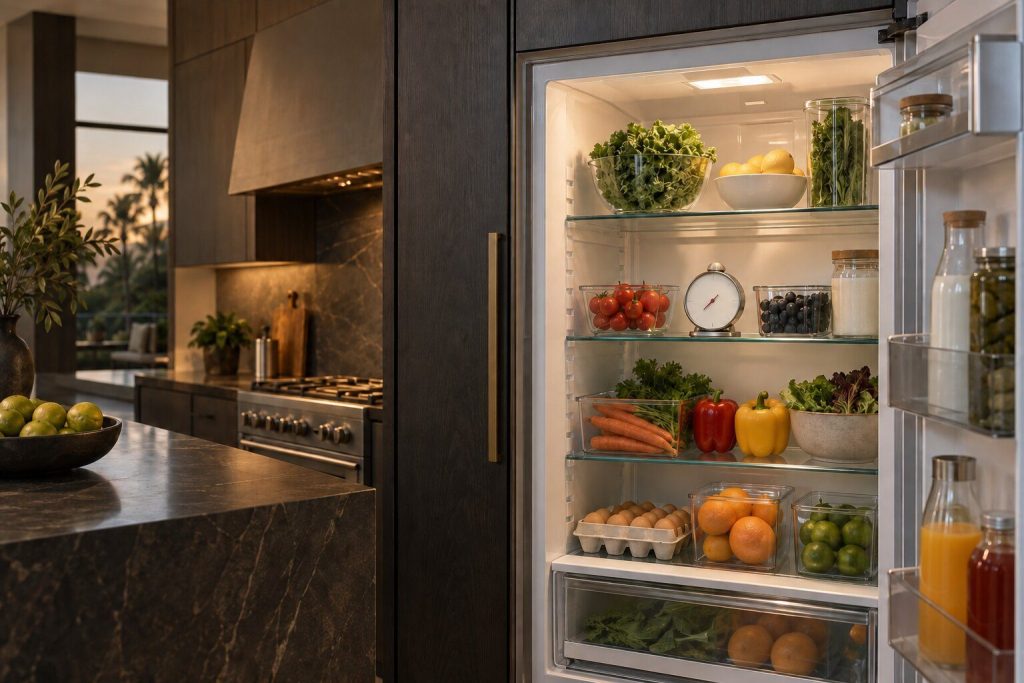
It is running, the light works, and the food is warm Refrigerator not cooling
The cabinet is clearly alive and the food is clearly not cold. Two pieces of evidence settle most of what follows and neither needs tools. The first is a thermometer in each compartment, read twice an hour apart. The second is which cabinet you have: on a French door one sealed system serves both compartments, so a single warm side is an airflow problem; on a column pair there are two independent systems and the cold cabinet beside the warm one is evidence rather than a symptom. This make publishes no error code for any of it, which is why the readings matter more here than on other badges.
- Freezer cold and fresh food warm means airflow, not refrigerant
- There is no code to read — the app's named alarms are all the appliance will say
- Check the grille before anything else: a captured column has one way to breathe
-
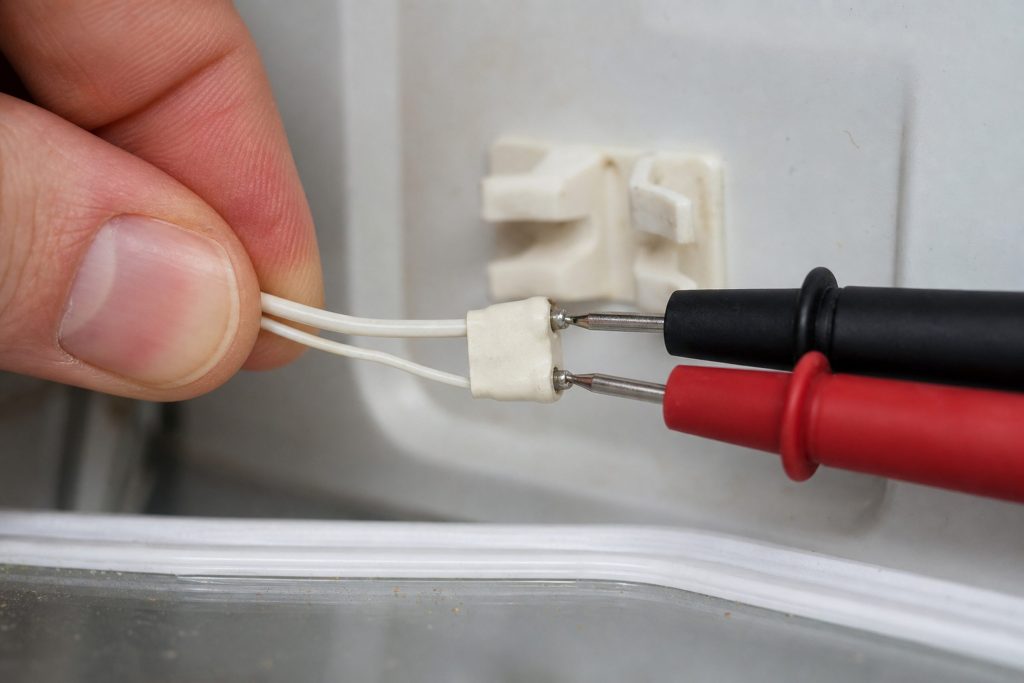
The freezer is perfect and the fresh food is not, or the reverse One side cold, the other warm
The most diagnostic complaint on refrigeration, because half the appliance is telling you it is healthy. On a French-door cabinet one sealed system serves both compartments and air is moved between them, so one warm side almost always means the air path — a fan, a damper, a duct, a defrost cycle that has stopped finishing. On a column pair it means something quite different: two cabinets with a system each, and one of them has a problem the other does not share. Establishing which shape is in the kitchen is the first question and it changes everything after it.
- Half the cabinet working is evidence, and it halves the diagnosis
- French door: one system, so this is airflow. Columns: two systems, so it is local
- Ice building at the back wall points at defrost rather than at the fan
-
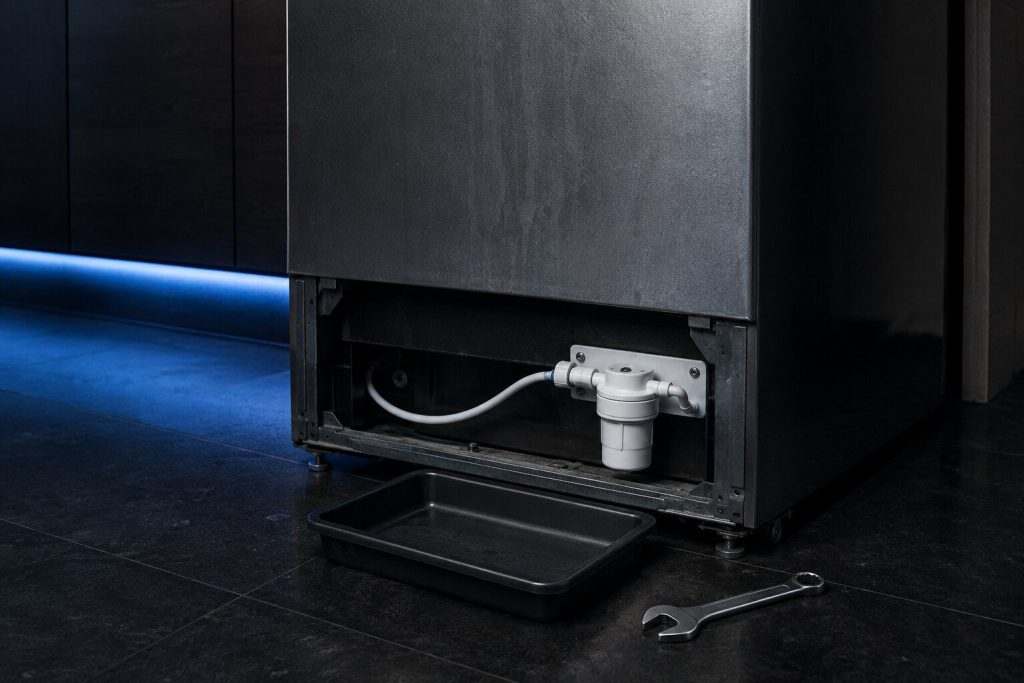
No ice, slow ice, or cubes that come out hollow Ice maker has stopped
Ice is a module inside a cabinet on this make rather than an appliance of its own, and the freezer columns carry two of them. That second module is the most useful diagnostic tool in the kitchen: both stopped points upstream at the water supply, the inlet valve or the fill tube, while one stopped and one working points squarely at the module itself. Hollow or slow cubes are a third case again, and in South Florida they usually mean a valve that scale has narrowed rather than a mechanism that has failed.
- Two modules on the freezer columns — which one stopped is half the answer
- Both stopped is water. One stopped is that module
- Hollow cubes are fill volume, and in this water that is usually scale
-
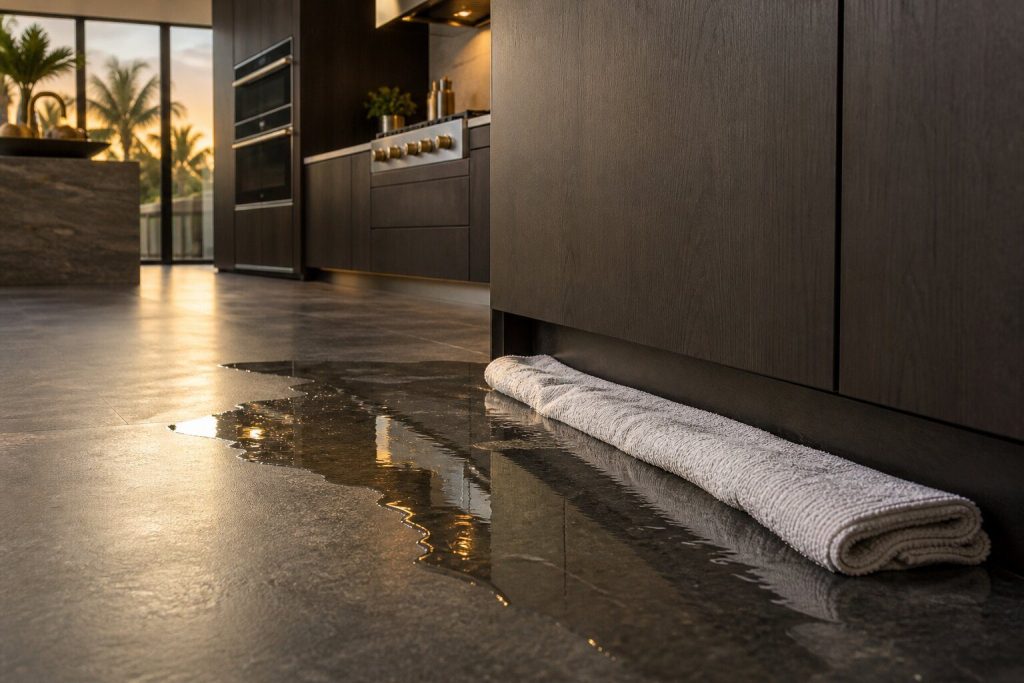
A puddle in front of the joinery, or damp at the base Water under a built-in cabinet
Water under built-in refrigeration is worse than water under a freestanding cabinet because it has somewhere to go: under the joinery, into the base of the cabinet beside it, and in a condominium sometimes into the ceiling below. There are only four likely sources — a blocked defrost drain, a split or loose supply line, the ice module's fill path, or a door that no longer seals in a humid kitchen — and they are told apart by where the water starts. The first action is not diagnosis. It is closing the supply valve.
- Turn the water off at the valve first — the diagnosis can wait, the joinery cannot
- Four likely sources, separated by where the water appears rather than by guesswork
- Under cabinetry the consequential damage is usually larger than the problem causing it
-
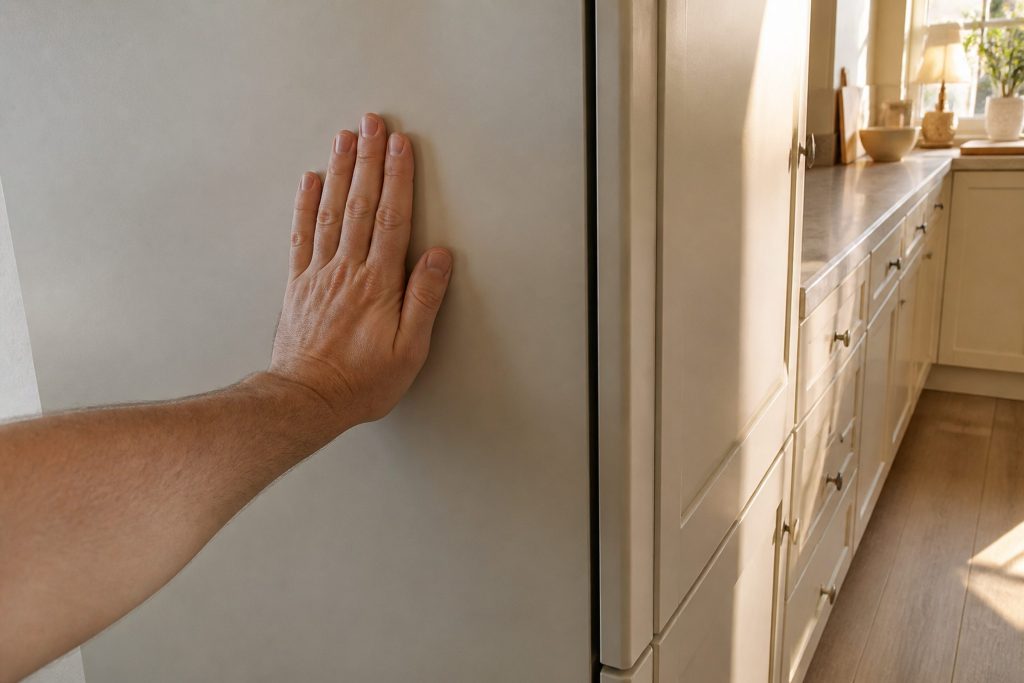
Soft ice cream, frost on the packets, and a cabinet that never rests Freezer column running warm
Every freezer this make builds is a column, and there is no second compartment to carry the load while a part is ordered — so this complaint is treated as urgent in a way the same problem on a French-door cabinet would not be. Before anything is opened, two free things are worth ruling out, and between them they account for a large share of these calls: a load pushed past the internal vents so air cannot circulate, and a base grille covered after a floor was laid or a kick panel refitted.
- No second compartment — this one empties the cabinet if it is left
- Overloaded drawers and a covered grille imitate a failing sealed system
- Power Freeze running hard is a mode, not a problem
-
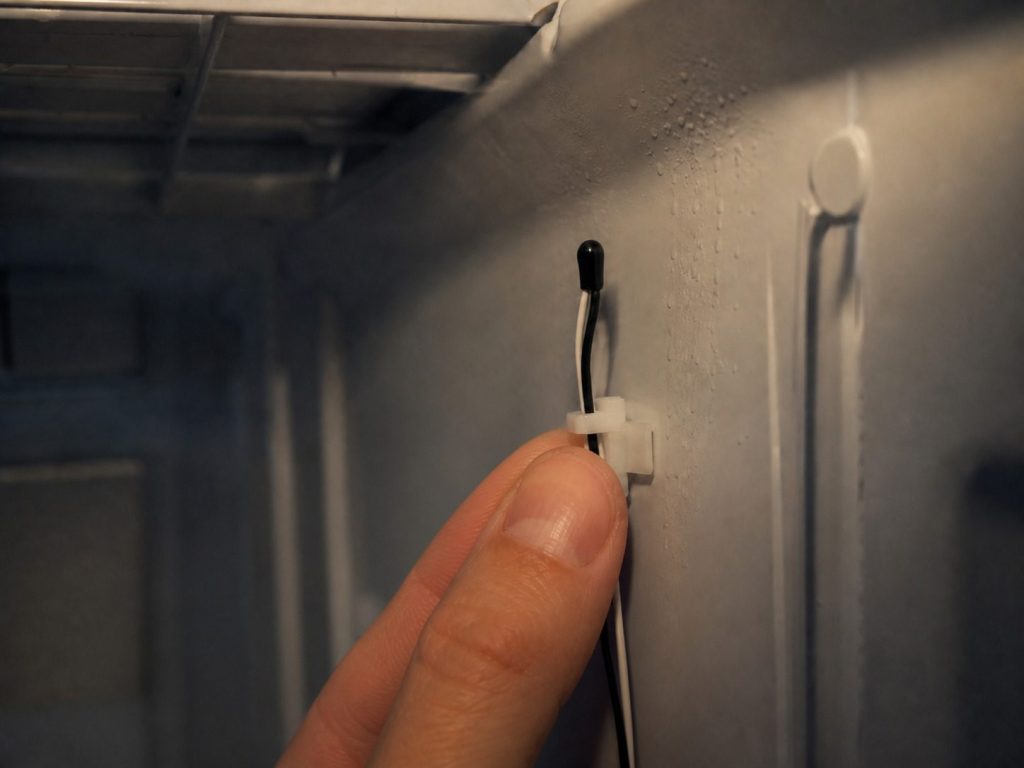
One zone has drifted and the others are holding Wine column zone too warm
A cabinet specified to hold within about a third of a degree is judged against that number, and a two-degree drift that would be unremarkable in a refrigerator is a problem here. The question that decides everything is how many zones are wrong. One adrift while the others hold is the division of airflow — that zone's sensor or damper — and stays a small repair. All three drifting together moves the diagnosis to the system feeding them. There is no code to read on this cabinet; the measurement is the diagnosis.
- One zone wrong is local. Three zones wrong is the system
- Two degrees is a problem on a cabinet specified to a third of one
- No code exists — a 156-page manual with no code table in it
-
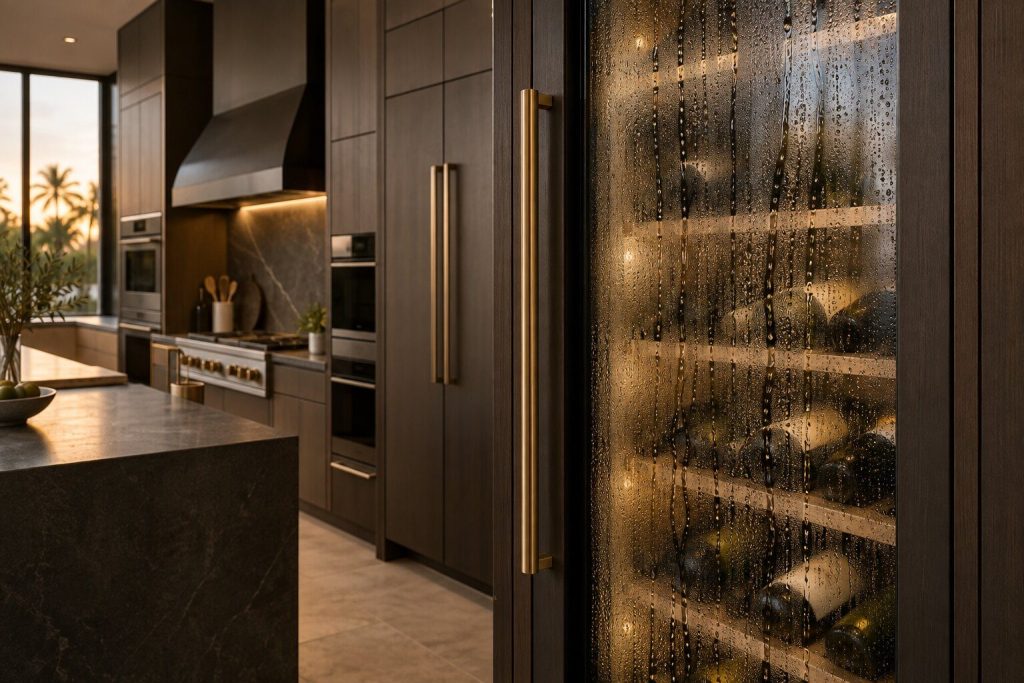
The outer pane is cold and the glass is wet Condensation on the wine column glass
The door of a wine column is equipment in itself: argon-filled triple glazing designed to keep heat and ultraviolet light out of the cabinet. Its outer pane should sit near room temperature even in a Miami August. When that pane is cold to the touch and running with condensation, the cavity has lost its fill or the door is no longer sealing — and either way the cabinet is now fighting the room. It will lose slowly, expensively and out of sight, which is why this is worth a call earlier than it feels like it deserves.
- Cold outer glass is a problem, not humidity
- The cabinet is now fighting the kitchen, and the compressor pays for it
- Check the racks before the door: one sitting proud holds it open
-
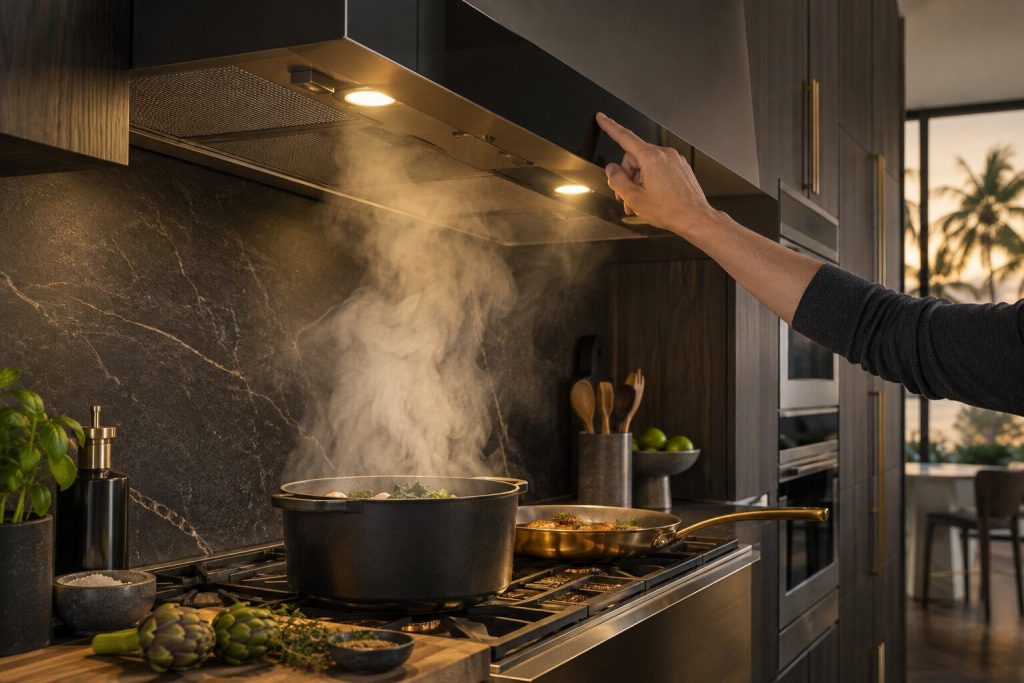
Lights work, buttons respond, and nothing moves Range hood fan will not start
A hood that lights up and will not extract is one of the few appliances in this kitchen with no code to give you — the maker's own manual troubleshoots in plain English because the control panel has no display to show a string on. That is worth saying plainly, because several sites publish tables of codes for these hoods that the manufacturer's own document contradicts. What decides this call is which shape of hood is over the range: a canopy, a chimney, or a liner hidden inside somebody's millwork.
- There is no error code — the maker's own manual uses plain English, and so do we
- Lights working narrows it: the supply reaches the hood
- Which shape of hood it is decides how the visit is done
-
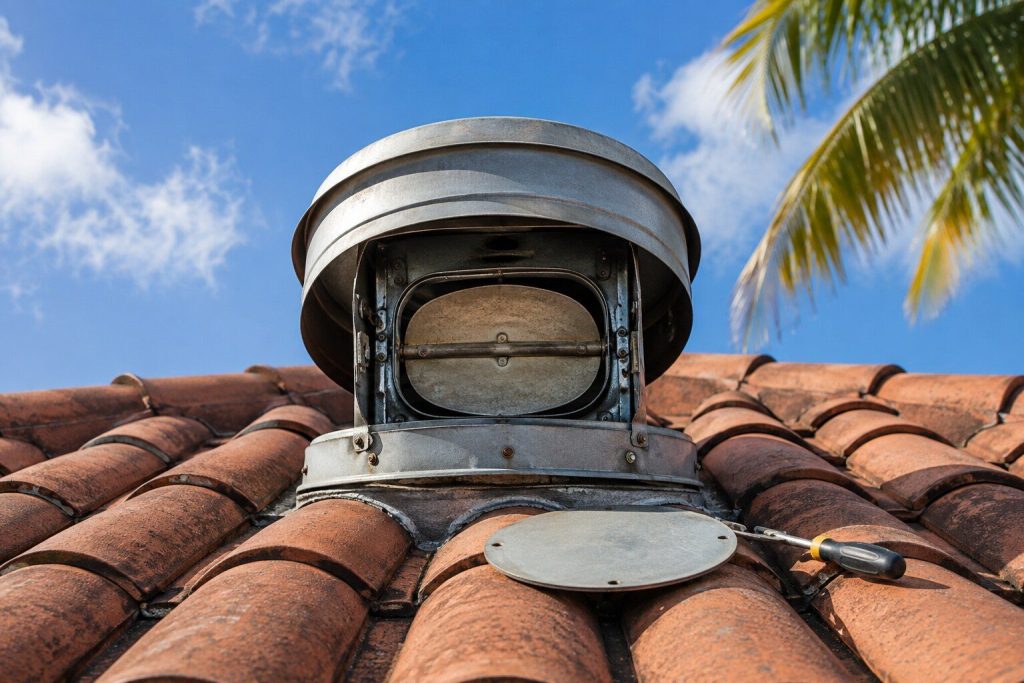
The fan sounds normal and the smoke stays Hood runs but the kitchen does not clear
A hood can be in perfect working order and still fail to clear a kitchen, which is why this complaint is diagnosed from the outlet backwards rather than from the appliance forwards. Filters block gradually enough that nobody can name the day it got bad. Beyond them, in South Florida buildings, the duct run is often long and shared, and a run that has come apart above the ceiling or a backdraught damper stuck shut will leave a healthy blower pushing against nothing at all.
- Filters first — they block slowly enough that nobody notices
- Then the duct: long shared runs are ordinary in buildings here
- A healthy fan pushing into a blocked run sounds completely normal
-
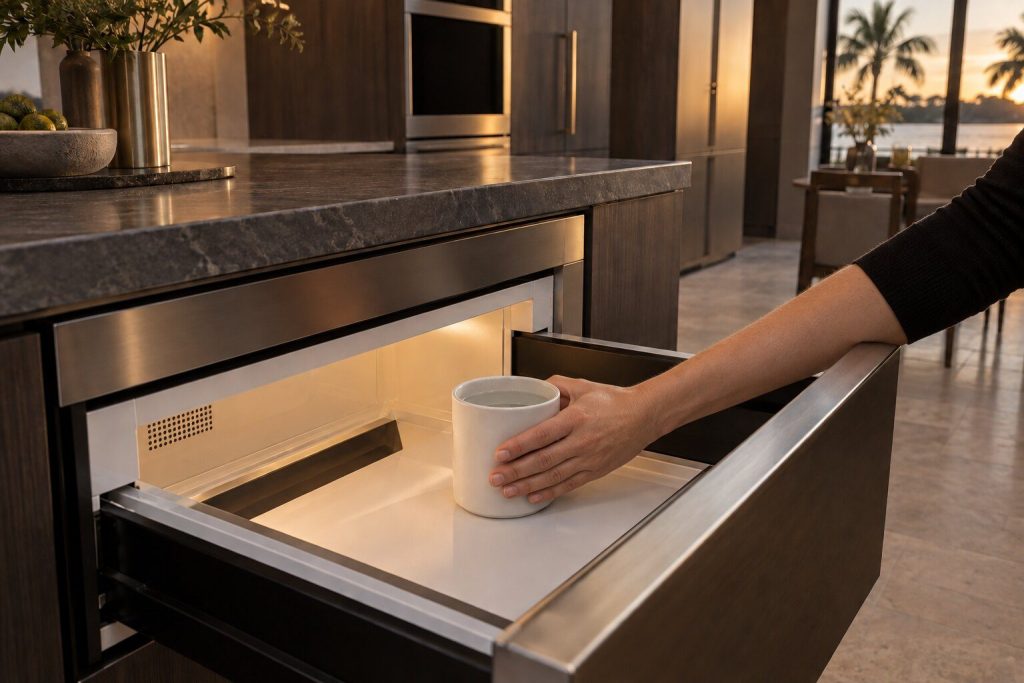
The light is on, the plate turns, and the food is cold Microwave runs but does not heat
This is the one symptom on a microwave where we ask people to stop using the appliance until it has been seen. A machine that lights, turns and counts down while producing no heat has a problem on its high-voltage side, and that is not a part of an appliance to investigate with a screwdriver and a video: the capacitor in it can hold a lethal charge long after the plug is out. It is a routine repair for somebody equipped for it. There is no code to read — this make's microwaves display a single generic word and nothing more specific.
- Stop using it. The high-voltage side is not a do-it-yourself repair
- There is no code table for this appliance in either era — just the word ERROR
- Built-in and drawer machines are worth repairing; a countertop one usually is not
-
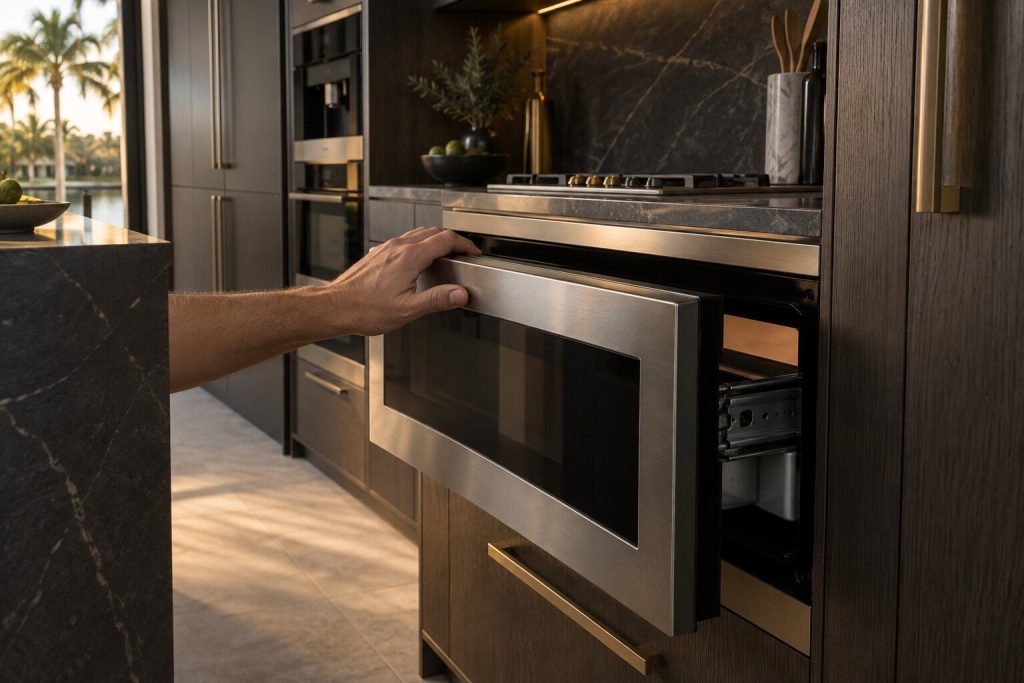
It stops partway, or refuses to move at all Microwave drawer will not open
A drawer microwave is a motorized mechanism as well as an oven, and the mechanism is what usually fails. A drawer that stops partway, will not open, or opens and immediately closes is a drive, a rail or an obstruction — and while that is unresolved the oven will refuse to heat, because the interlock chain is not satisfied. That refusal reads as a dead appliance and is in fact the machine being careful. It is a mechanical repair, it is common, and it very rarely means the microwave itself is finished.
- The mechanism fails far more often than the oven does
- A drawer that will not close leaves an oven that will not run — by design
- Mechanical repair, ordinary parts, and not the end of the appliance
-
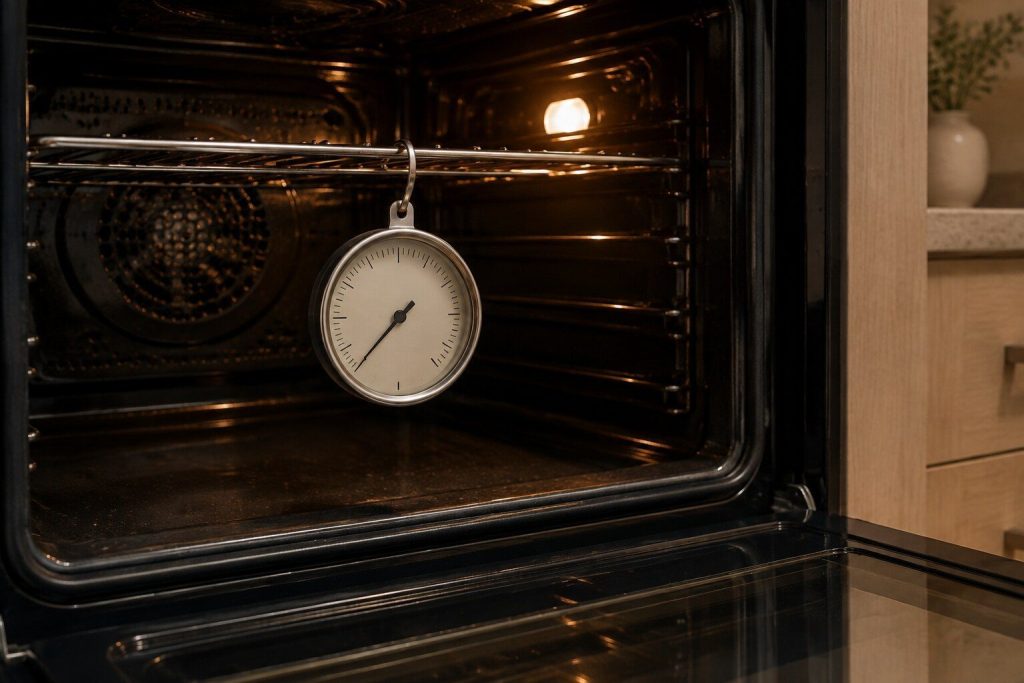
Everything is browner at the back, or nothing browns at all Oven bakes unevenly or at the wrong temperature
An oven can be thirty degrees out and pass every self-test it is capable of, because it believes its own sensor. That is why this complaint is diagnosed with an independent probe and a logged preheat rather than by opinion or by an oven thermometer left on a shelf. On this make there is a second question first: which era the appliance is from. An older cavity may report a sensor problem through a code table that no longer exists on the current machines, and a newer one reports something else entirely.
- An oven thirty degrees out passes its own self-test
- Probe at rack height and a logged preheat — not a thermometer on a shelf
- Sitting steadily wrong and swinging widely are different problems
-
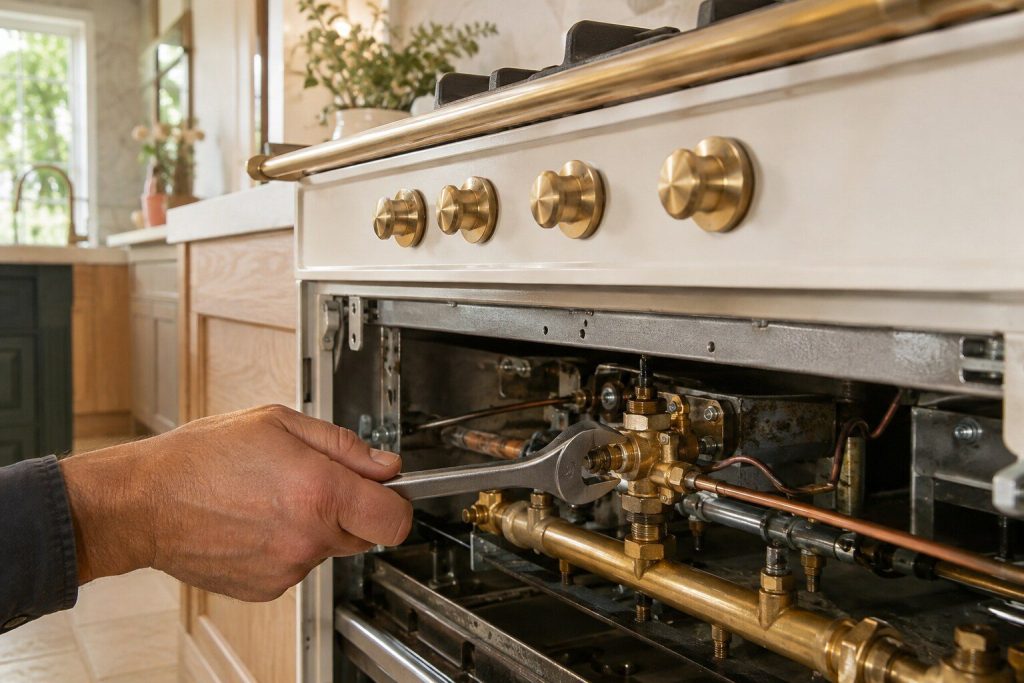
Sparking at the burner and no flame Burner clicks but will not light
In this climate the two ordinary causes are salt air on the igniter and a cap that went back slightly wrong after a clean — which is why so many of these calls date from the week the hob was scrubbed. The professional burners on the rangetops complicate it pleasantly: they are built to relight themselves after a draft or a boil-over, so a burner that keeps going out may be that system rather than the burner. Neither is a code problem; the rangetops have no display to show one on.
- Most of these begin the week the hob was deep-cleaned
- Salt air and humidity are what actually kill igniters here
- One burner or all of them is the question that splits the diagnosis
-
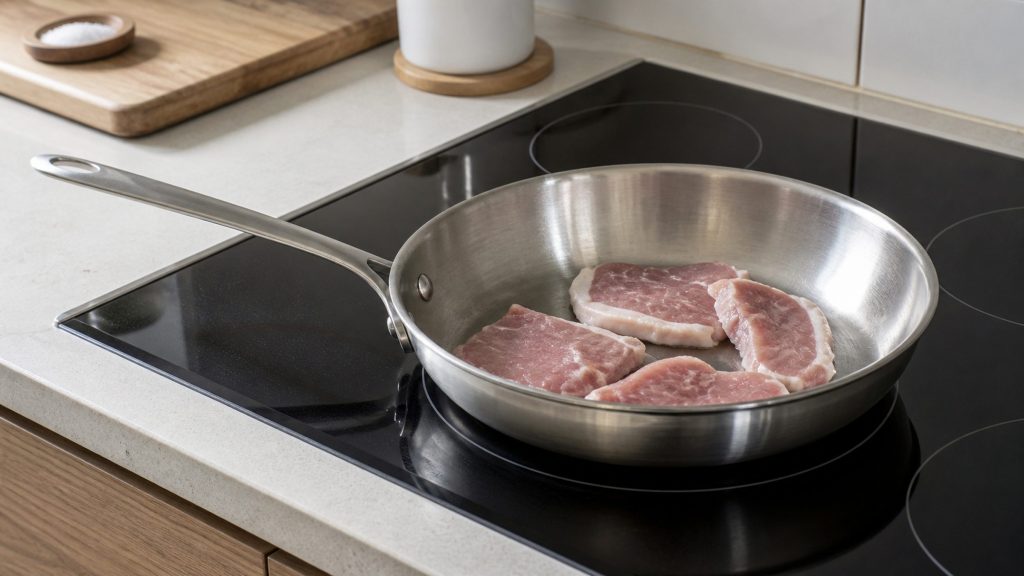
It works for a few minutes at high power and stops Induction zone cuts out during cooking
The most misread problem on an induction surface, because it looks like a zone dying and is usually a zone defending itself. The drive electronics under the glass shed a great deal of heat, and they rely on airflow through the cabinet beneath. Pack that space, add insulation during a renovation, or store a stack of trays against the underside, and the cooktop will run beautifully for five minutes at high power and then step back. Establishing that before anybody quotes for parts is the whole of this page.
- Cutting out after minutes at high power is usually protection, not failure
- The cause is under the worktop far more often than in the appliance
- Pan compatibility is a magnet test, and no repair changes it
-

A film that will not wash off, and it is getting worse Glassware coming out cloudy
Cloudy glass is two quite different problems wearing the same appearance. One is deposit — hard-water scale sitting on the surface, which comes off with an acid rinse and comes back unless the water is treated. The other is etching, which is permanent damage to the glass itself and cannot be reversed by anything. Telling them apart takes a few minutes at the sink and decides whether this is a repair, a maintenance visit or a conversation about the glassware. This make helps: the dishwasher has a softener built into it.
- Deposit washes off. Etching does not — and the test takes five minutes
- This machine has its own water softener, and it is the usual answer
- A slow, even decline across everything points at the softener rather than a part
-
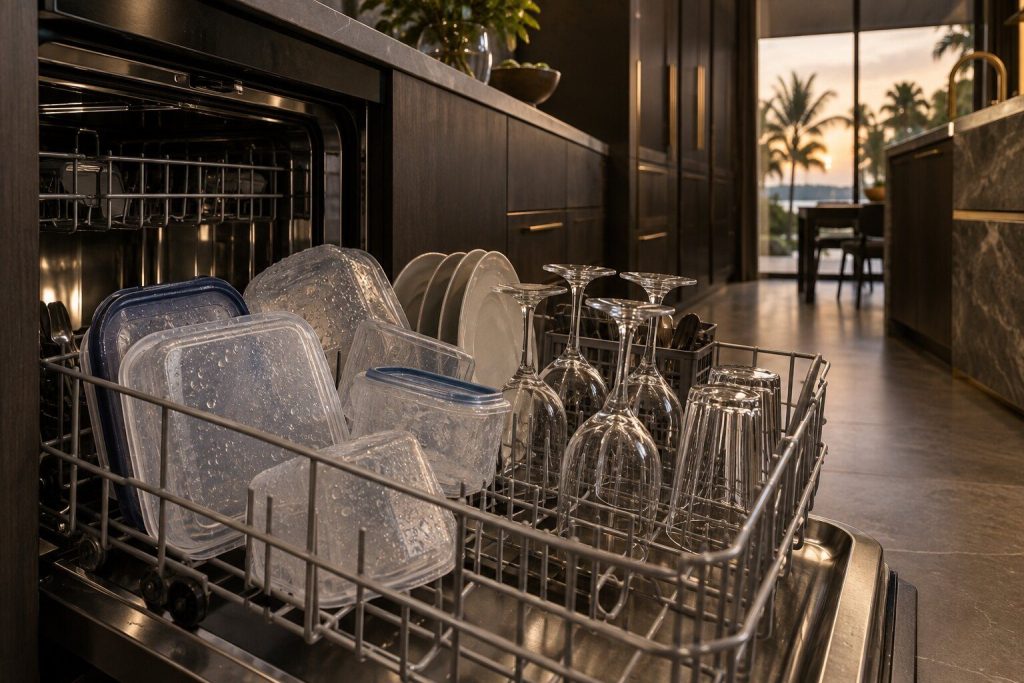
Plastics soaked, glass fine, and a puddle on the upturned cups Dishes coming out wet
Half of these calls are answered by an explanation rather than a repair, and we would rather give it than take the visit. These machines dry without an element roasting the load: they use residual heat and a door that releases itself at the end of the cycle. That leaves plastics damp and glass dry, and it is the design rather than a defect. What is a genuine problem is water still standing on upturned crockery, warm cloudy glass, or a door that never opens at the end.
- Damp plastics beside dry glass is the design, not a problem
- The door opening itself at the end of the cycle is AutoRelease working
- Pooled water on upturned items is the symptom that is real
-
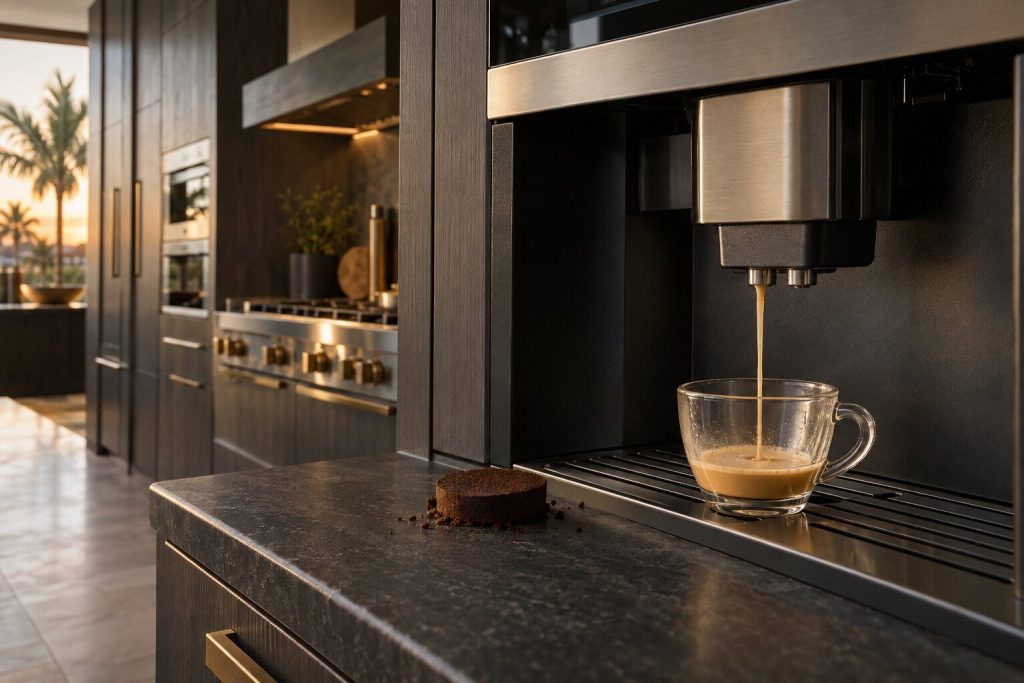
Both at once, and nothing on the machine has been changed Coffee has gone bitter and weak
Bitter and weak together is the classic complaint on a built-in coffee system, and it is almost never the beans or the settings. Burrs wear, the grind drifts coarse, and coarse grind under-extracts — which tastes weak. Meanwhile scale and old coffee oils in the brew group add the bitterness. Two causes, one symptom, and both are maintenance rather than failure. This appliance writes sentences rather than codes, so it will often have been asking for a clean for some time before anybody calls.
- Bitter and weak together is grind and group, not beans or settings
- The machine has probably been asking for a clean — read what the display says
- Discontinued platform: the parts answer comes before the labor
-

It shows offline, or never finishes pairing The app will not connect to the appliance
Worth a page of its own because it is the complaint most likely to be sold as an appliance repair when it is nothing of the sort. The current generation reports to an app, and when the link works it genuinely shortens a diagnosis — a caller who can read what the app says saves the first part of a visit. When it does not work, the appliance is almost always fine, and the problem belongs to a router, a network band or an account. We will say so, and we will not charge repair money for it.
- An appliance off the network is not a broken appliance
- Most of these are the 2.4 GHz band, the router or the account — not the machine
- Only the 2016-and-later machines connect at all
-
A click, a buzz or a rattle that was not there last month Refrigeration making a new noise
Refrigeration is never silent, and the useful question is not whether it makes a noise but whether the noise is new. Built-in cabinets are quieter than freestanding ones, which means a change is noticed sooner and worries people more. Most new noises come from one of four places — the evaporator fan, the condenser fan, the compressor mounts, or something touching the cabinet — and three of those four are cheap. What matters is catching a fan before ice or a dry bearing takes the cooling with it.
- A new noise is worth a call; a familiar one usually is not
- Noise that stops when the door opens is the evaporator fan
- Panel-ready cabinets amplify contact noise through the joinery
-
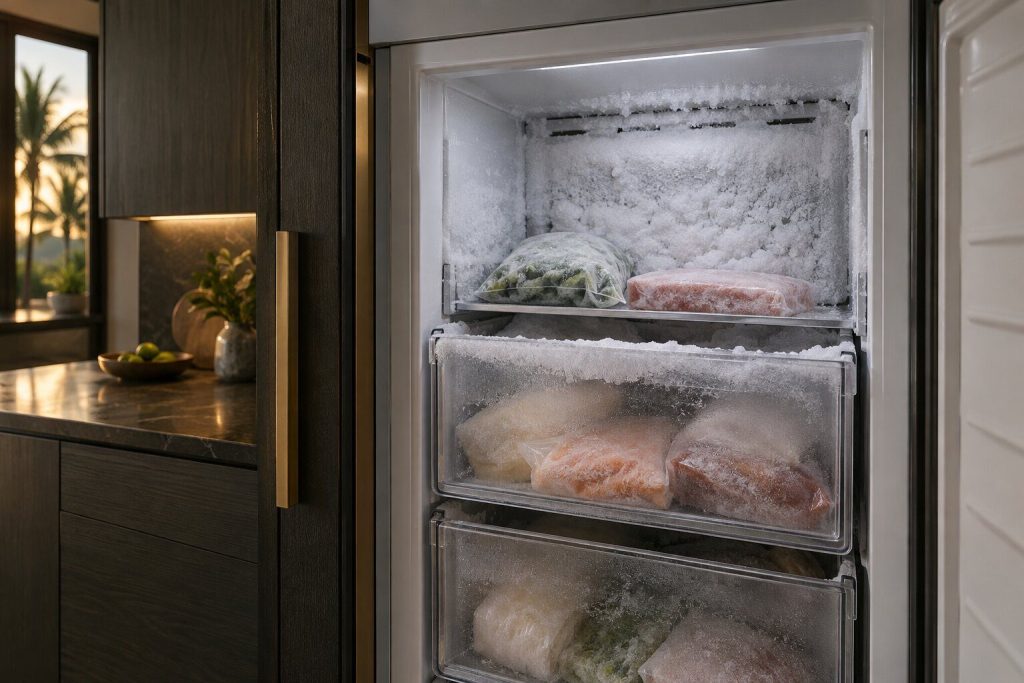
Ice on the walls, on the packets, and around the drawers Frost building up inside the freezer column
Frost inside a frost-free cabinet means moisture is getting in, or the defrost cycle is no longer clearing what condenses. Both are ordinary, and which one it is can usually be told by where the ice forms: around the door and at the top means air is leaking in, while ice at the back wall and under the drawers means the defrost is not finishing. In a column the ice starts low and surfaces late, so by the time it is visible it has been building for weeks.
- Where the ice forms tells you which problem it is
- Around the door is air getting in; at the back wall is defrost
- In a column the build-up starts low and shows late
-
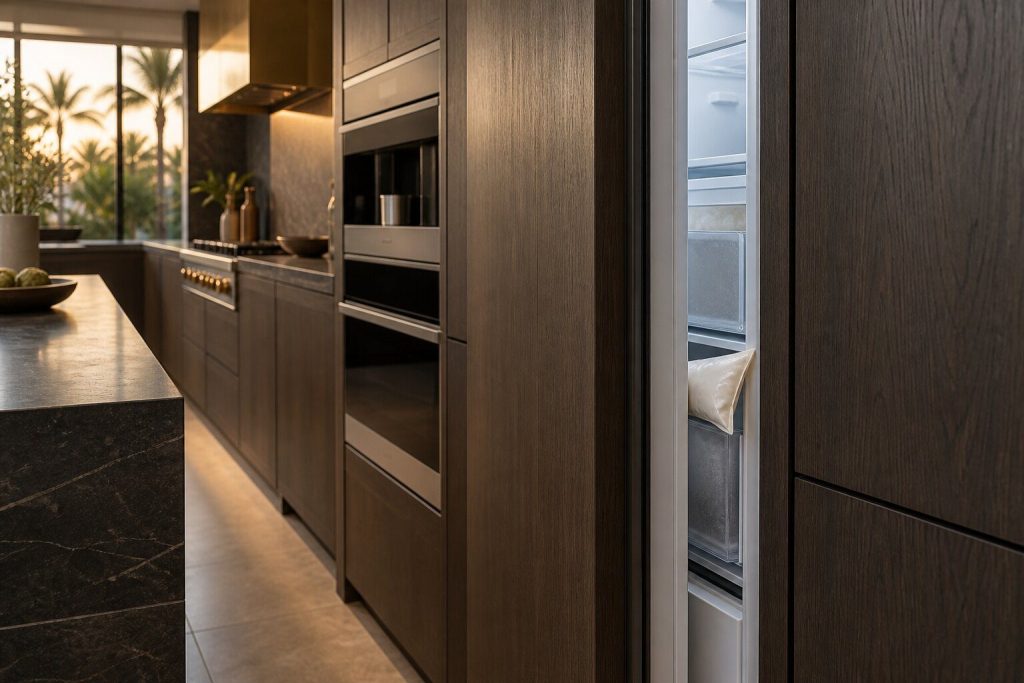
The cabinet insists the door is open and it plainly is not Door alarm chiming with the door shut
One of the four named alarms these cabinets have — there is no code behind it, just the chime and the app saying Door Open. When it sounds with the door visibly closed, the appliance is not confused: either the door is genuinely not sealing home, or the switch that reports its position has failed. The first is far more likely and often free to correct, and on a panel-ready door it is usually a hinge that has settled under the weight of a cabinet front.
- No code behind it — Door Open is one of only four named alarms on these cabinets
- A door that looks closed can still be a few millimeters off the seal
- Panel weight settles hinges, and the switch is the last suspect
-
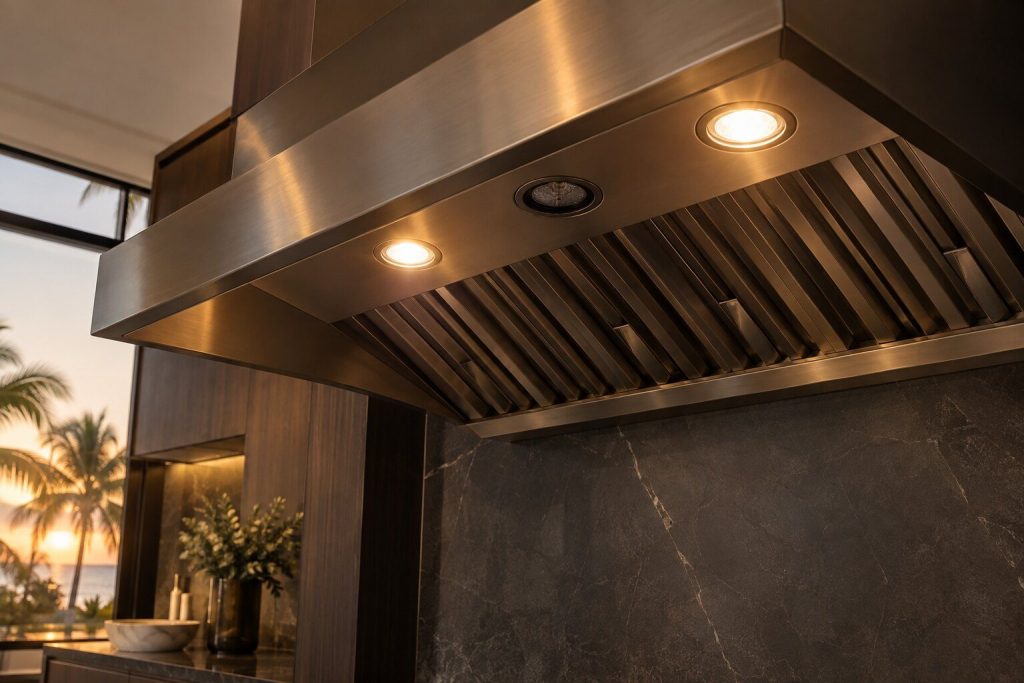
One lamp dark, or the whole strip Hood lights not working
The smallest hood problem and the most common call. LED modules in these hoods fail one at a time, so a single dark lamp is a module or its driver rather than a hood at the end of its life. A whole strip dark points at the driver or the supply instead. There is no code to read — the maker's own manual troubleshoots hood lighting in plain English, because the control panel has no display. A photograph of the hood from below usually decides what goes on the van.
- One dark lamp is a module; all dark is the driver or the supply
- Dimming before failure points at the driver, not the lamps
- A photo from below is usually enough to bring the right part
-
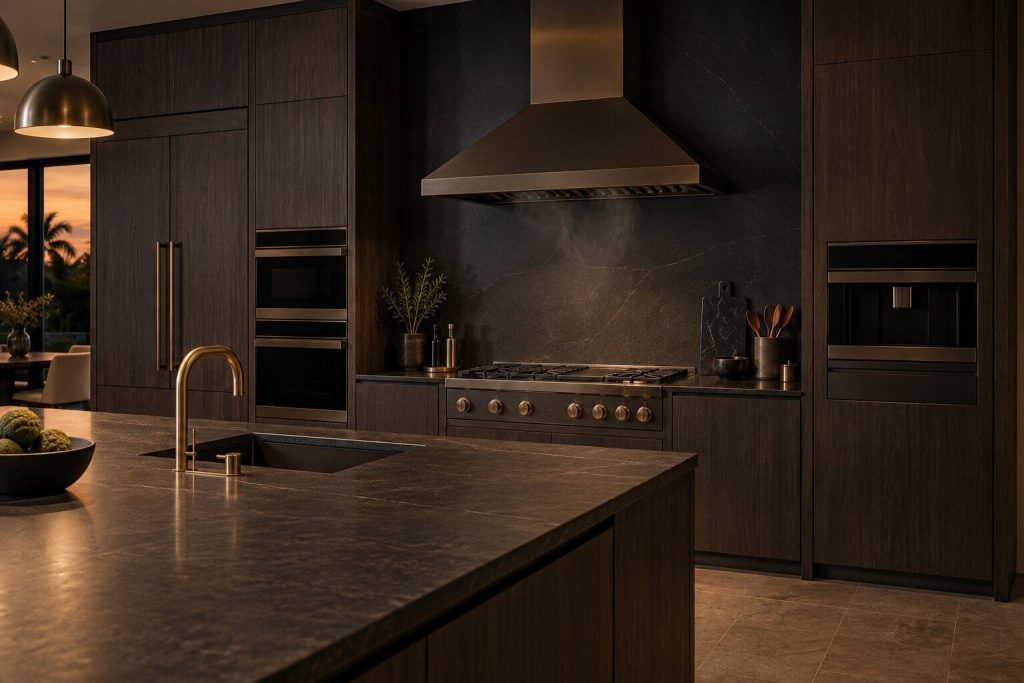
The fan starts with nobody at the controls Hood switching itself on
Alarming the first time and usually correct behavior. These hoods have an automatic overheat response: when the temperature under the canopy climbs past a threshold — a heavy sear, a long roast, a burner left high — the hood starts itself to protect the appliance and the cabinetry above it. That is the design working. What is a genuine problem is a hood that starts with a cold range, or one that starts and will not stop, and those point at the sensor or the control rather than at the kitchen.
- Starting during heavy cooking is the overheat protection, by design
- Starting with a cold range is a sensor or a control problem
- A hood that will not switch off is worth a call rather than a breaker
-
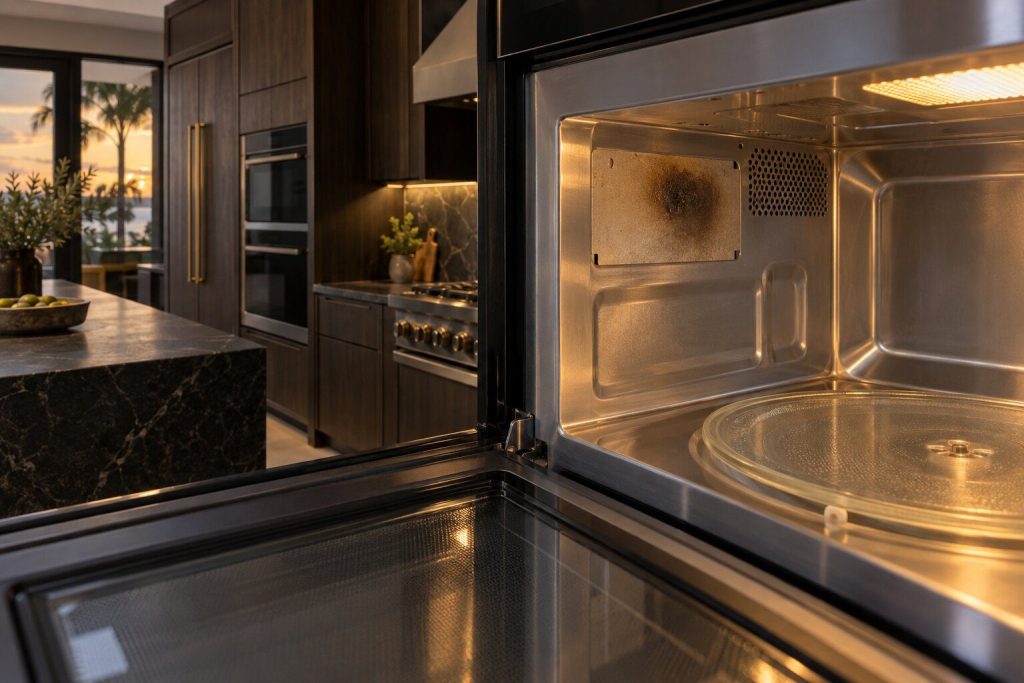
Arcing, a flash, or a burning smell during a cycle Sparking inside the microwave
Stop the cycle and stop using the appliance. Sparking inside a microwave has a small number of causes and one of them — a damaged waveguide cover — will get worse quickly and can damage the magnetron, which is the expensive part. The others are usually harmless once found: metal in the cavity, a rack touching a wall, or food debris carbonized onto the cover. There is no code for this and no code table exists for these microwaves at all, so what the owner saw is the whole of the evidence.
- Stop the cycle and stop using it until it has been looked at
- A damaged waveguide cover gets worse fast and takes the magnetron with it
- Metal, a touching rack, or carbonized debris are the harmless causes
-
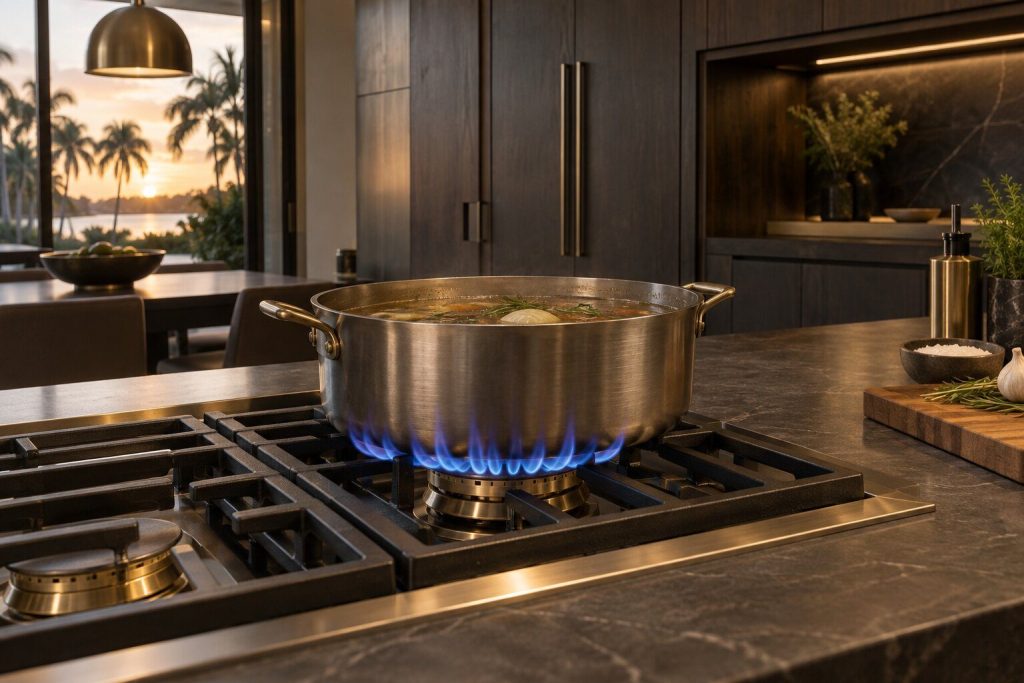
It sears beautifully and cannot be turned down Burner will not stay at a simmer
Losing the bottom of a burner's range is a specific and satisfying problem, because the cause is usually visible and the fix lasts. These are sealed brass burners built to run from a hard sear down to a genuine simmer, and when the low end goes it is nearly always a partly blocked port, a cap seated a fraction wrong after cleaning, or the simmer valve itself. It is also the clearest example of a problem that arrives the week the hob was scrubbed and gets blamed on the appliance.
- Losing the low end is usually ports or a cap, not the burner
- It very often dates from the week the hob was deep-cleaned
- The pro brass burners are built to simmer — this is a problem, not a limitation
What is not on this list
23 codes that circulate and are not real
FAN-FAIL and NO-LIGHT for the hoods. TEMP-HI and COMP-ERR for the wine column. 5E, 21E, 22E and 41E for the refrigeration. F0 and F1 for the microwaves, copied word for word from this make’s own wall-oven table. Every one of them appears on appliance sites as a Dacor code, and not one has a manufacturer document behind it — several are directly contradicted by Dacor’s own manuals, which document the same symptoms in plain English.
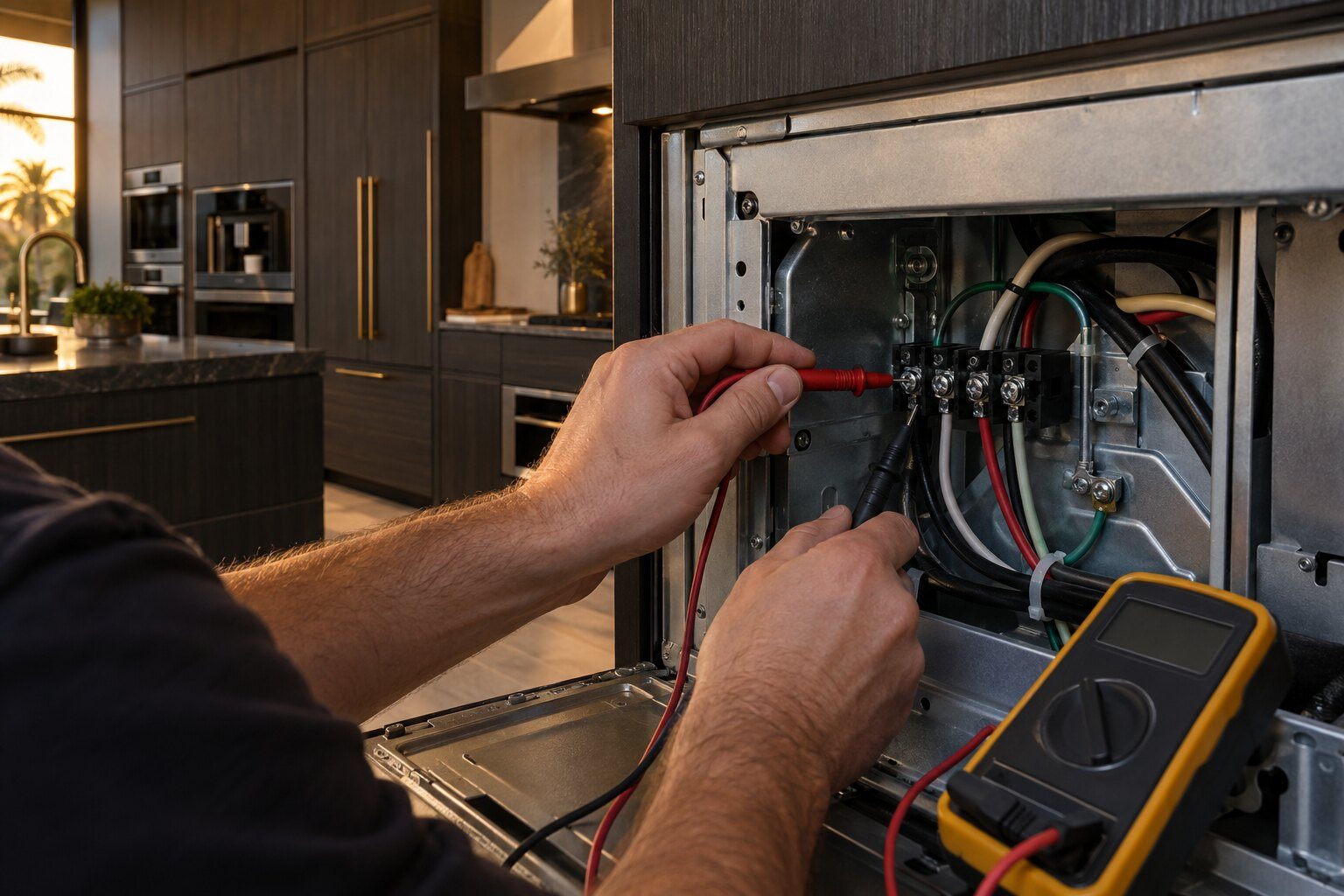
Before you book
The questions this page is asked
My code is not on this list.
Then either it belongs to an appliance this make publishes nothing for — in which case the symptom pages are the honest place to start — or it is one of the strings we refuse to publish because no manufacturer document supports it. Tell us what it says and we will say plainly which of those it is.
Why does the same code mean two things?
Because two entirely different engineering teams built these appliances twenty years apart, and both reached for the same characters. Dacor's own pre-2016 boards used F-numbers; the Samsung platform that replaced them uses C-## and #C strings and, on the induction cooktops, a short F-series of its own. The overlap is a coincidence of notation, not a shared meaning.
Can I clear a code and carry on?
It depends entirely which one. A stuck-key code or a pairing prompt clears and means nothing. A high-temperature code, a leak-detection code or a locked door on a hot cavity should not be cleared and re-run — in those cases the appliance stopping itself is the good news, and each page says which kind you are holding.
In more detail
Where these came from, and what is missing
Seven primary documents
Dacor’s own Tec-Line problem sheet, the ER-series technical manual, the Modernist wall oven, Pro range, induction cooktop and dishwasher manuals, the EDW/IDW service manual and the CM24 coffee manual. Every code on this site traces to one of them.
5 appliances that publish nothing
Refrigeration, freezer, wine, hood and microwave. Their manuals contain named alarms or plain-English troubleshooting and no code table at all. We say so rather than borrowing a table from a sister appliance or from the parent company.
What we would not claim
Where a source could not be found, or where a collection’s control generation could not be dated, this site says so. That is the whole difference between a research pass and a page assembled from search results.
Not sure which of these it is?
Describe what the appliance is doing and tell us roughly how old the kitchen is, and we will tell you which page you are on. If a diagnostic is the right next step it is from $95, credited toward the repair.
This article is based on:
- Official manufacturer documentation
- Internal repair procedures
- Technician repair history
- Company quality standards